

How do I create a Dartcom account?
Updated August 23, 2026
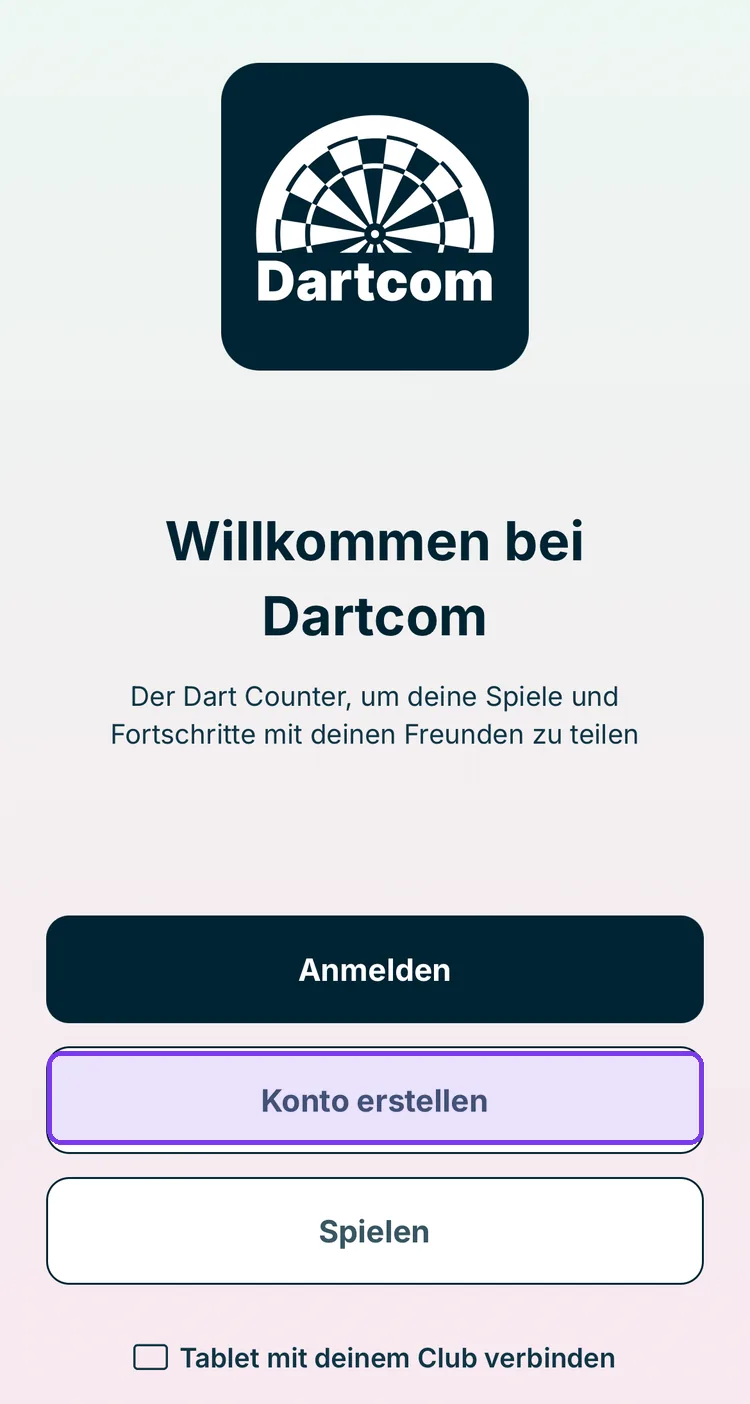
On the welcome screen, tap Konto erstellen and then choose whether you want to sign up with Mit E-Mail registrieren, Apple, or Google. The registration guides you through four steps to a finished profile.
Start registration
On first launch, Dartcom shows the welcome screen. Tap Konto erstellen.
Choose a sign-in method
You have three options. All three lead to the same account — the only thing that matters is which one you use to sign in later.
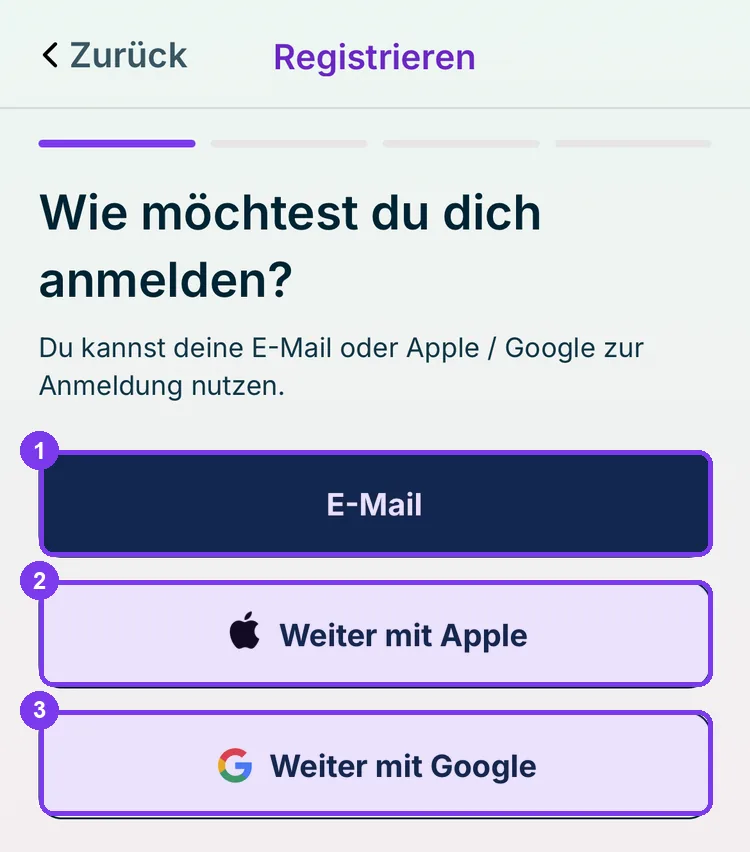
- Mit E-Mail registrieren — you set your own password.
- Weiter mit Apple — uses your Apple ID. The fastest option on iPhone.
- Weiter mit Google — uses your Google account.
The bar at the top shows which step of the four you are on. After the sign-in method come username, profile details, and completion.
Remember which method you chose. Anyone who registered with Apple cannot sign in later via email and password — they must use Weiter mit Apple again.
Try it without an account
You don't need to register to keep score. Tap Spielen on the welcome screen to start a game immediately — but without saved statistics, without a feed, and without a club.
Next: Sign in